
Description
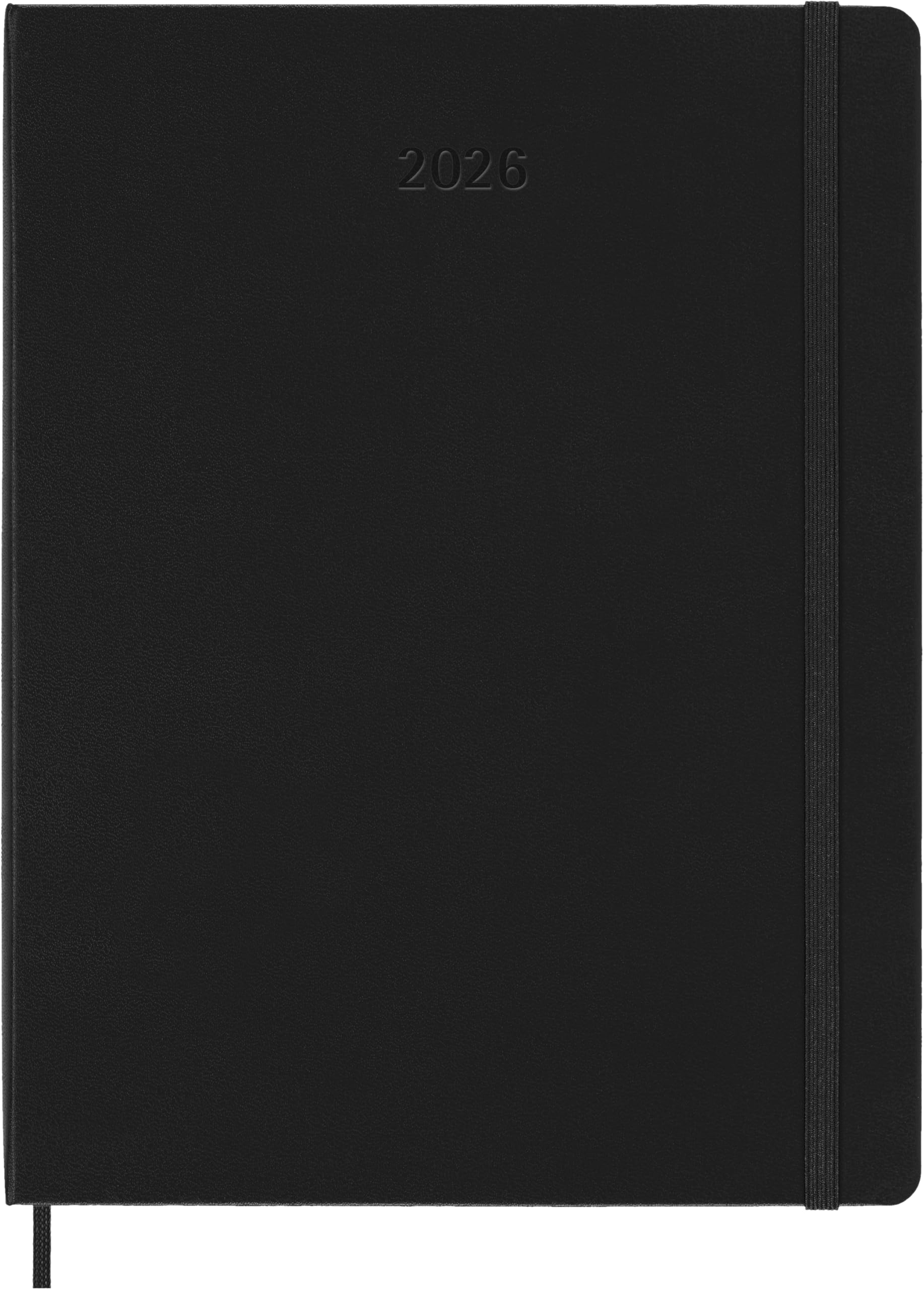
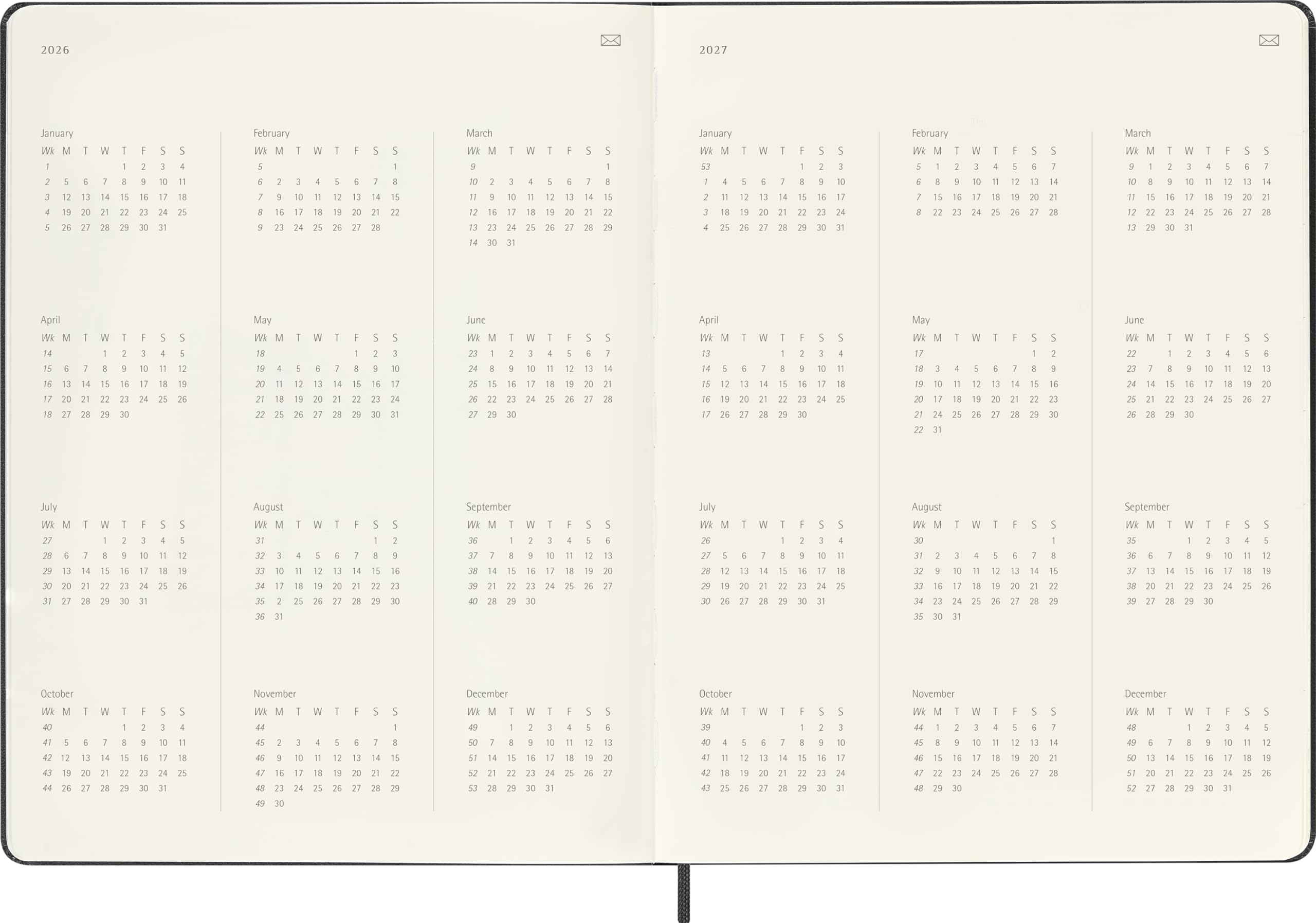
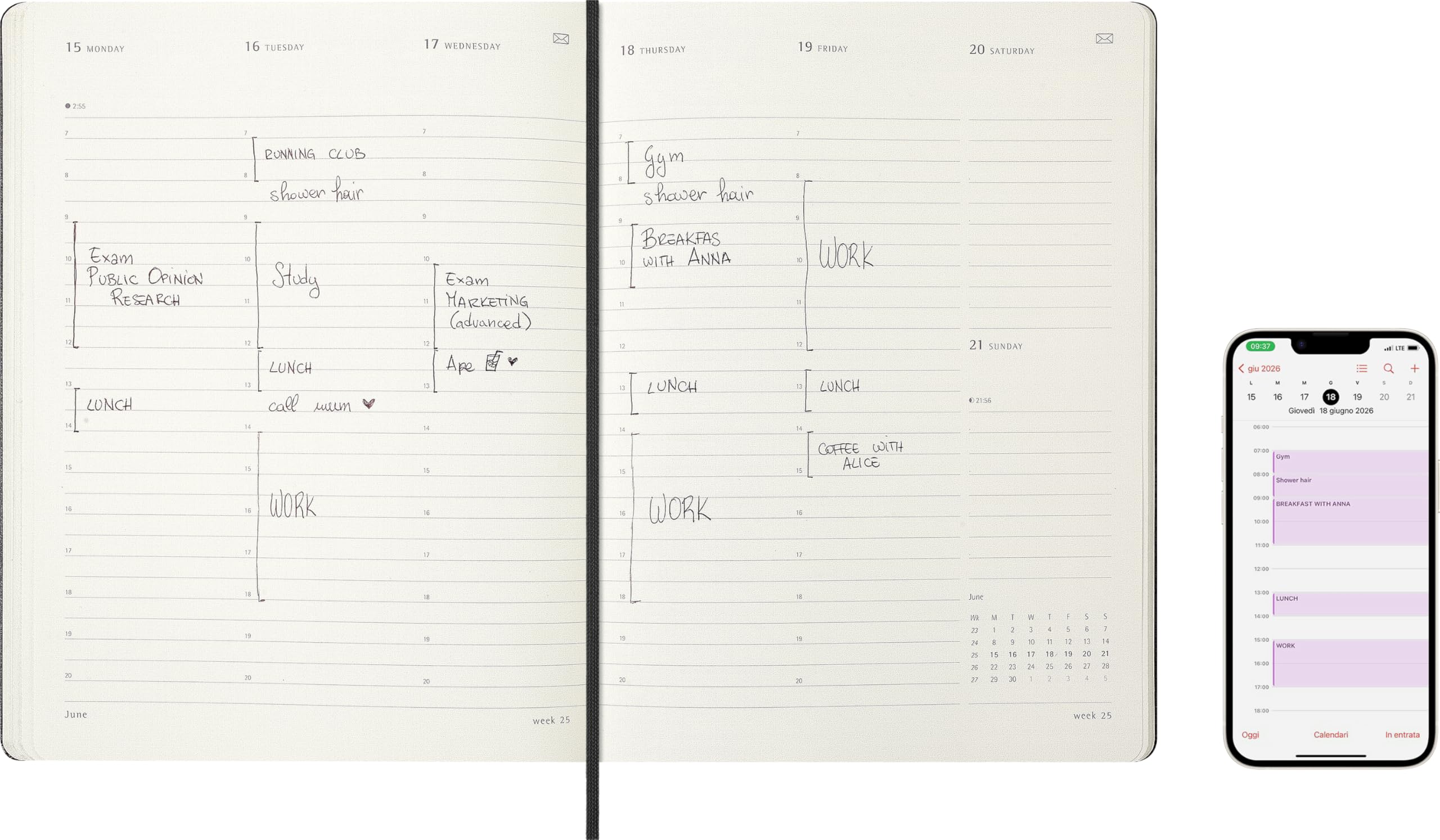
The Smart Planner PRO works with the Smart Pen and the Notes app to sync the notes taken on your favorite digital calendar. The structured layout of the pages shows at a glance the appointments of each week spread over two pages, with space for projects, notes, and activities. Keep track of your workload with pages dedicated to annual goals, monthly activities, and weekly projects. HOW TO USE: Make sure the Notes app is connected to your preferred calendar (iCal or Google Calendar) to sync your noted appointments. Write the events next to the correct start time on the page. The event duration is automatically set to one hour. If necessary, modify your plans in the Notes app to change the event duration. You can create all-day events only on the weekend.