
Description
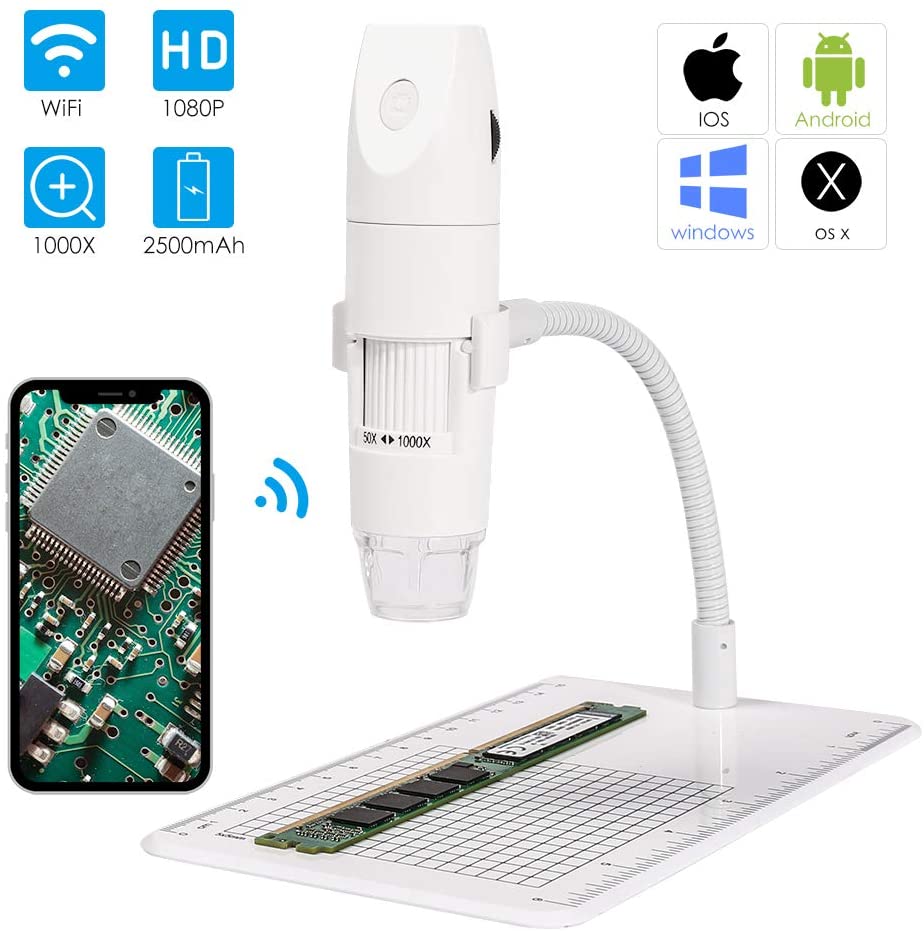
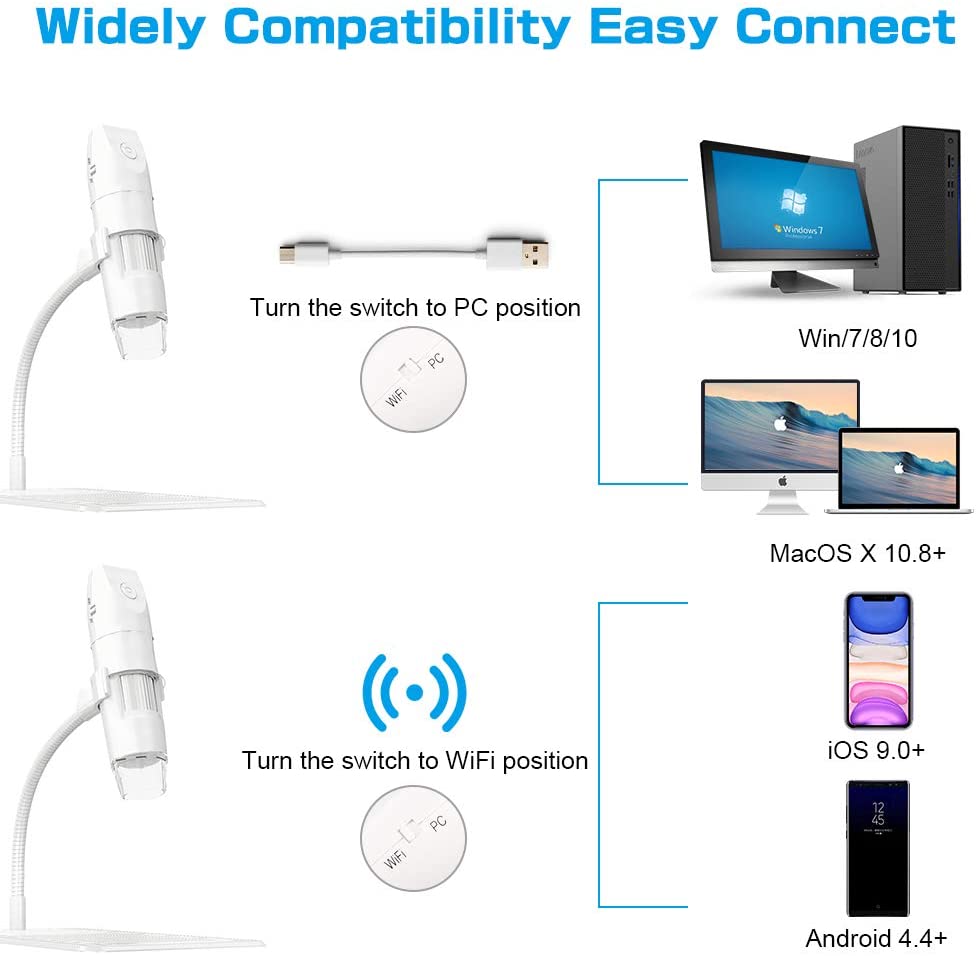
ROTEK WIFI Wireless Digital Microscope Handheld HD Microscope USB 50X and 1000X Zoom Magnification Mini Endoscope Inspection CameraSpecification: Best Focal Distance: 0.11-2.36inch Pixels: 2.0M pixels Resolution: 1920*1080, 1280*720, 640*480 Magnification: 50x-1000x Lighting: 8 adjustable LEDs WiFi Distance: 10M Video Format: MP4/AVI Image Format: JPG Video Frame: 20fps-30fps USB Interface: USB 2.0 and above Operating Systems: Android 4.4 and above, IOS 9.0 and above, Windows vista 7/ 8/10, Max OS X10.8 and above to use?WIFI connection for Android and IOS; 1. Download the software “Max-see” from Google Play or APP Store; 2. Long press power button to turn on the microscope; 3. Connect the wifi “Max-see”(no password) which emits from the microscope; 4. Run the app and it is easy to use USB connection on PC or Laptop For Windows system 1. Download the app from link wwwam/download/camera, and install it in your PC; 2. Connect the microscope to your computer; 3. Long press the power button to turn on the microscope; 4. Run the app and it is ready to go. For MAC system 1. Turn on the microscope and connect it to MAC terminal through the data cable; 2. Open the “Photo Booth” software in the Apple App; 3. Click on the Camera and select the GENERAL-UVC#2(default)age Contents: 1 x Microscope 1 x Instruction 1 x Metal Stand 1 x Charging Cable 1 x Microscope Case 1 x Microscope Holder