

Description
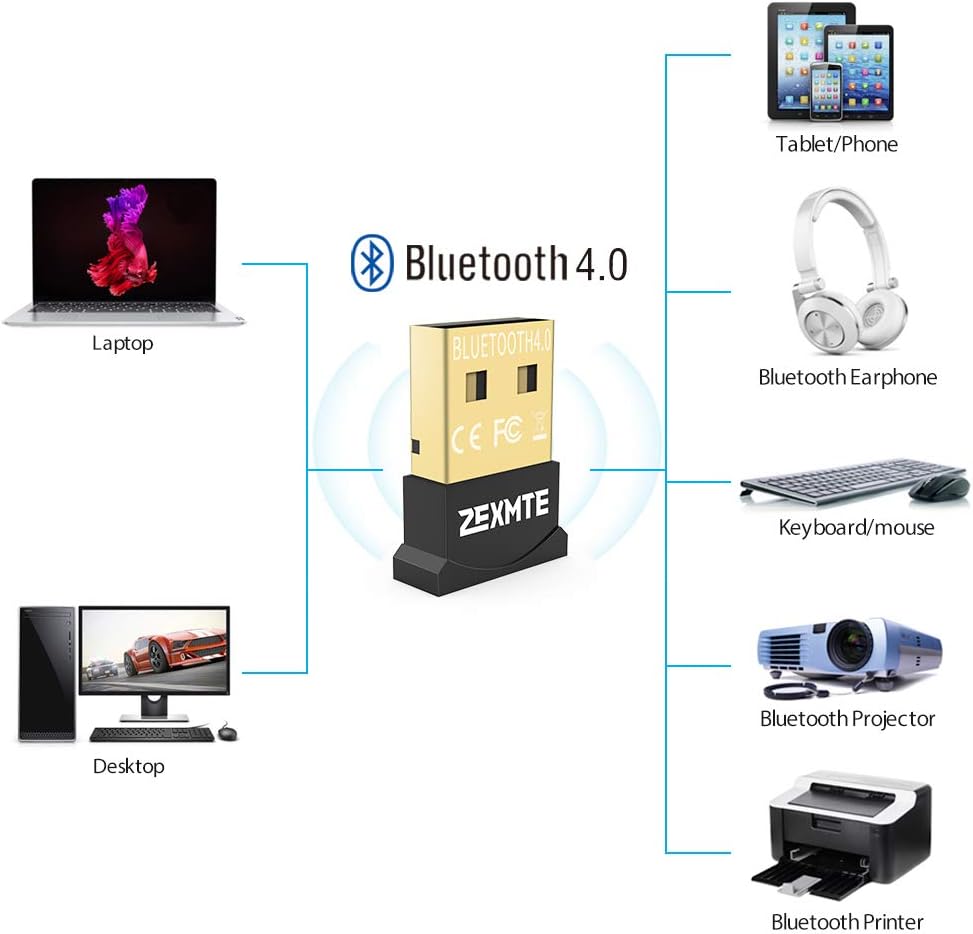
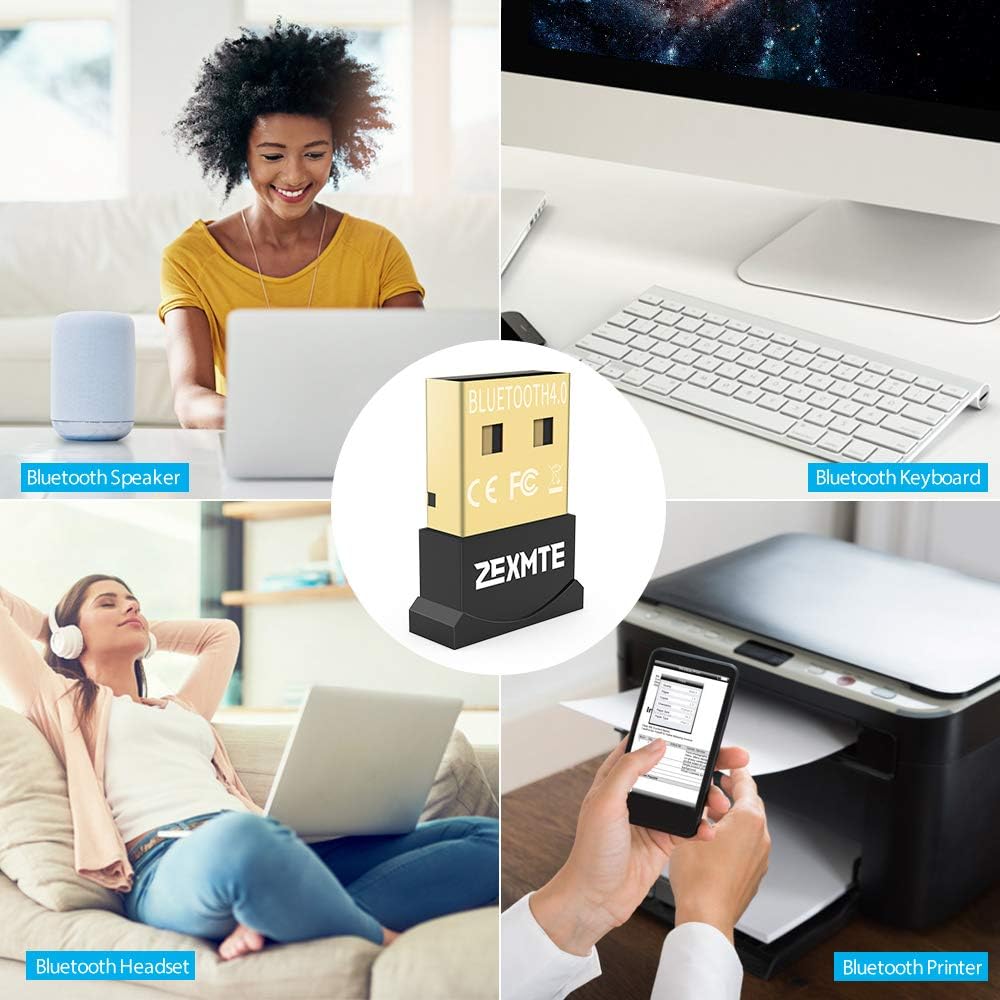
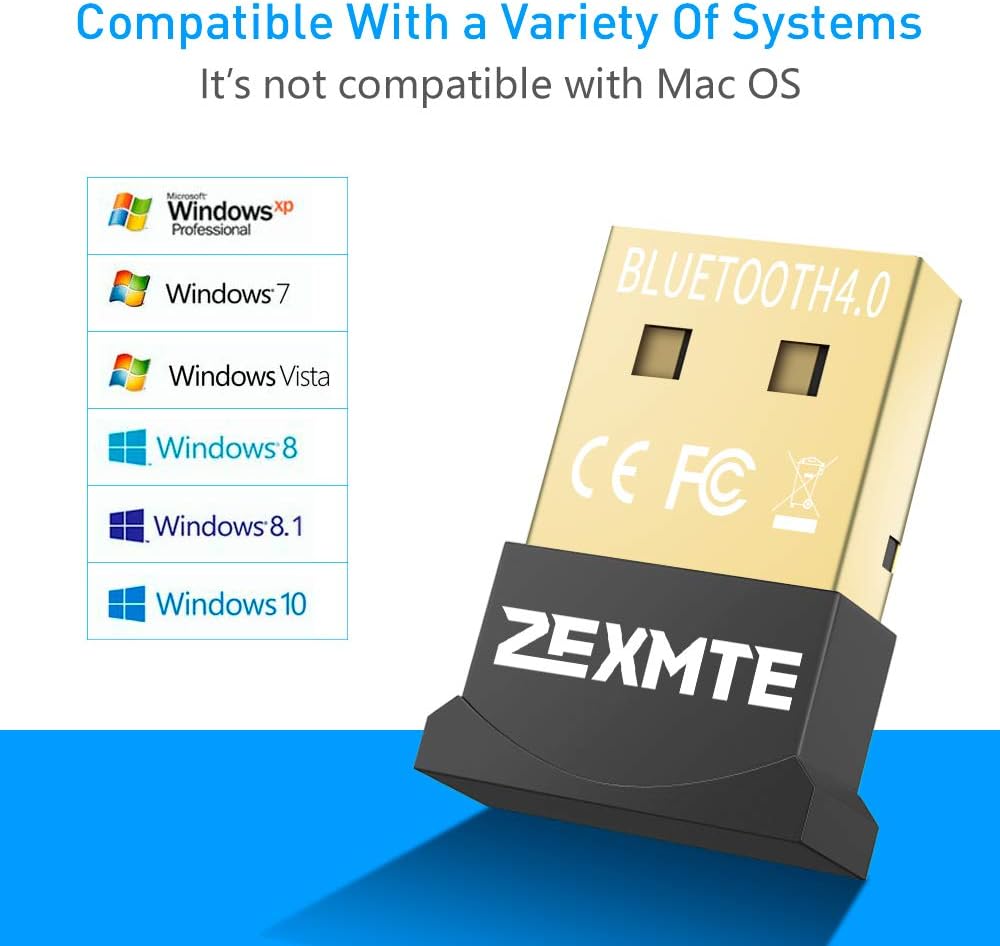
Bluetooth adapter plug and play for transfer file、audio wirelessly transfer for your desktop and laptop,allow desktop connect to speaker,headset with bluetooth easilyatible ●Networks a Windows computer to Bluetooth devices such as Keyboard, Mouse, Printer, Headset, Speaker, etc ●Compatible with Windows 10, Windows 8, Windows 7, XP, and Vista ●Not compatible with Mac OS,Car stereo systems or TVsNote: ●1. Most Windows 8/10,keyboard and mouse can plug & play without installing any external driver. Windows 7 need use CD to install driver ●2. The User Manual is in the mini CD Which comes with the bluetooth dongle.(PDF File) at the pdf instruction file before running the setup exc file ●3. If your computer doesn’t have CD readerse kindly contact us for download driver; ●4. It is not recommend to use bluetooth dongle for Bose headphones, speaker ●5’s better to set up playback devices and disable bluetooth hands-free Audio to get much better sound quality works fine when you get it installed on Windows 7 is what you do:1. Plug it in – generic bluetooth software will install2. Then use the installer”setup” from the dropbox files or CD (If your computer doesn’t have CD driver, you can copy the file from other computer which has CD driver)3. In install process, Language selection “English”,Discovery Mode set as “Discovery ON” 4. Simply restart your computer and your dongle adapter will be fully installed and operational.5. Connect whatever you want it will work now.6. Enjoy.