
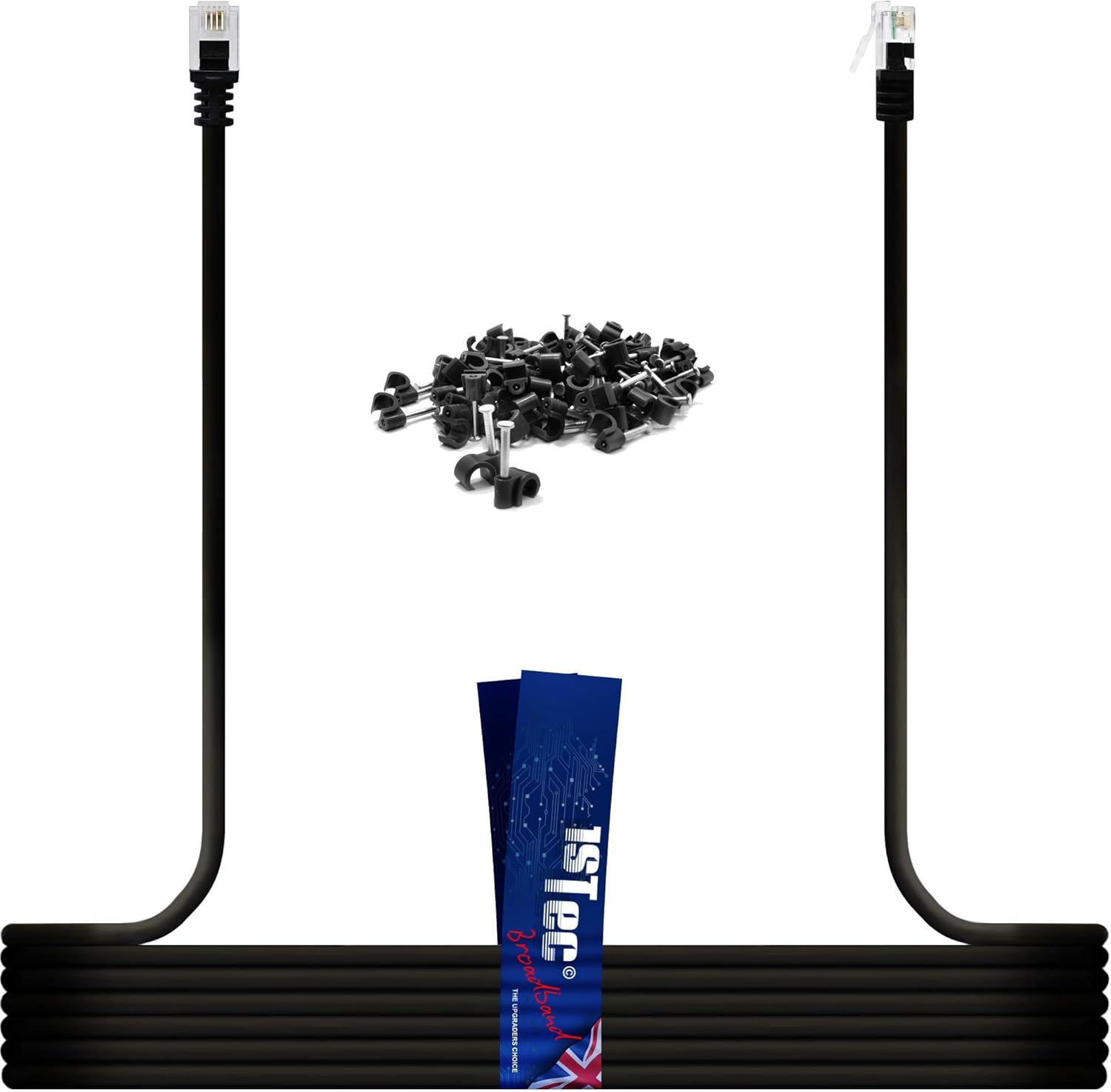
1STec 5M ADSL 2+ RJ11 Modem Extension Cable for BT Infinity Sky Q Talktalk Plusnet EE Vodafone Now Broadband First Utility & Post Office FTTC Fibre/Standard Internet Connections (5 Metre Black)

$0.00

  • Make sure this fits by entering your model number.
  • MOVE YOUR WIFI ROUTER: Connects your ADSL Modem to a Microfilter. Can be used with a plug in filter or directly into an Openreach MK2, MK3 MK4 RJ11/RJ45 combination type Phone & DATA Wall Socket. Higher Quality Round Twisted Pair cable with Gold Plated pins gives improved connection speeds when compared to the standard flat non twisted pair phone cables supplied with many routers. We supply FREE Cable clips allowing you to tack any lengths of 5 Metres or above
  • GOOD POSITIONING IS KEY: Most suppliers are only interested in their service being in your property even if it has to be at your front door wasting half of its useful coverage. Moving your BT Home hub 4 5 or 6 for example, to a more central location in your home will boost the Wi-Fi strength to more locations. Many customers are aware of this but most will use the wrong type of replacement cable resulting in cancelling most of the performance benefits that they could have achieved
  • PRESERVE YOUR CONNECTION: Adding any additional wire to your modem supply will weaken your signal very slightly with the correct cable but drastically with the incorrect type. No cable can increase your speed unless it is replacing an inferior one of similar length. However, relocating your Smart Hub for a stronger broadcast where the unit will actually be used, quickly outweighs the minimal losses of a good quality cable, resulting in much better overall wireless performance
  • NO RJ45 TO RJ11 CABLE NECESSARY: Please note that your BT Openreach Master with VDSL Interstitial faceplate was designed to accept both the bigger RJ45 as well as these smaller RJ11 plugs in the same DATA socket . The wall socket may appear to be too big at first but this cable will definitely click into position once offered up correctly. Many people make the mistake of assuming that they need to find a cable with both an RJ45 and RJ11 connectors but this is simply not true

Out of stock

  • International Express shipping available
  • 30 day easy returns
Guaranteed Safe Checkout

Description

Reposition your Router for Better Wi-Fi Coverage around the Home or Office
To achieve the best possible results from your router, positioning is key! 
Most ISPs post out routers restricting coverage to master socket location. 
Many broadband customers have to resort to expensive Wi-Fi boosters to extend range. 
Those who realise that positioning is key, often cancel out the benefits by choosing the wrong type of cable.
Cheap non twisted pair cables produce the worst results. This is widely known in the industry and is why your ISP will tell you not to move your modem too far from the master socket.
What we supply?
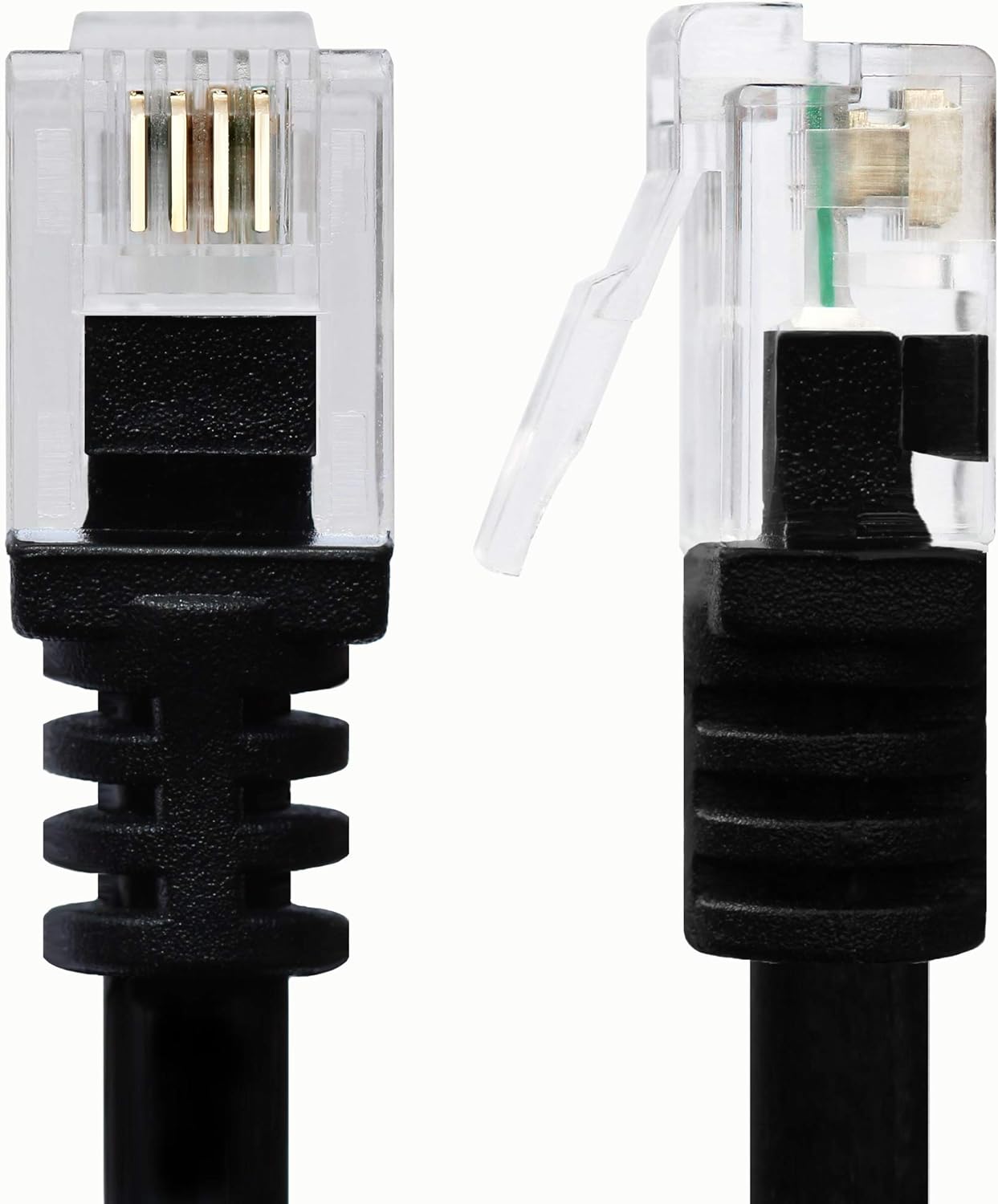
Round Cable with Moulded ADSL Plugs
Screened Cable giving EMI Rejection
High Speed & Low Loss Conductors
Standard RJ11 4 Pin Connector Plugs 
Black External PVC Options Available
Tried & Tested for UK ADSL 2 Fibre
Also Works with Non Fibre Connections
Free Cable Clips with orders over 5m
Where to use?
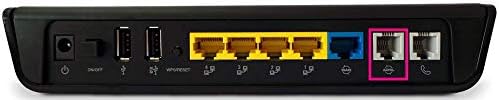
Specifically designed to be installed between the Master Socket and Router. Plugs into Microfilters or the RJ11/RJ45 data port on a BT Openreach Wall Socket. 
Where not to use?
Not designed for connecting devices to the Yellow LAN sockets on your Router. 8 Pin Ethernet cables are the fastest for Local Area Network (LAN) connections.
What you should Avoid?
Flat or Oval shaped cables with no Twisted pairs. Easily identified by having a line down the outer PVC sheath. Supplied with most routers in order to keep cost down. The negative results are only noticeable with longer lengths and this is the main reason why they are not offered in very long lengths. 

Additional information

Weight 0.06 kg
brand

1STec

dimensions

16 x 11 x 2 cm; 120 Grams