
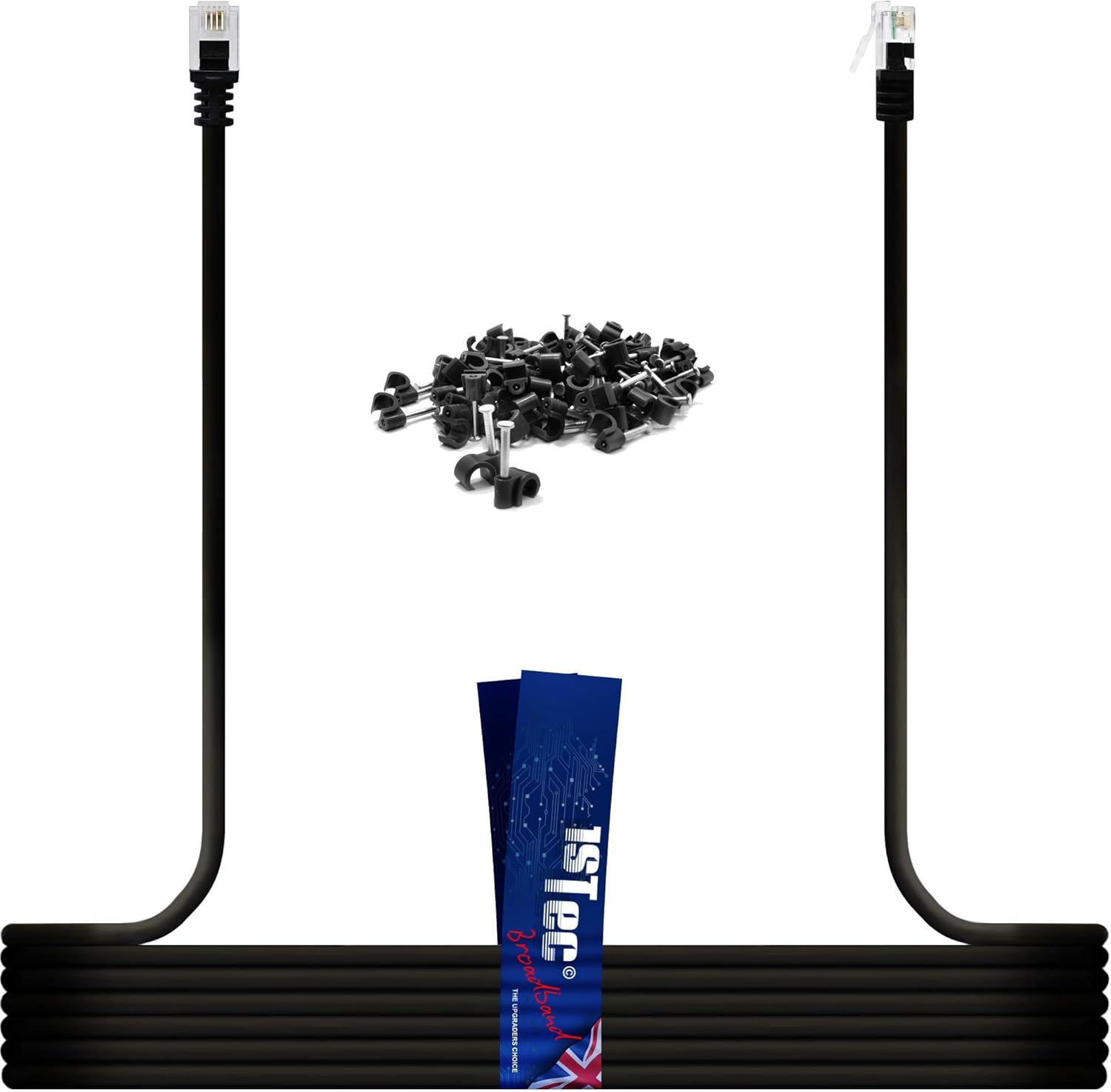
1STec 10M ADSL 2+ RJ11 Modem Extension Cable for BT Infinity Sky Q Talktalk Plusnet EE Vodafone Now Broadband First Utility & Post Office FTTC Fibre / Standard Internet Connections (10 Metre Black)

$0.00

  • Make sure this fits by entering your model number.
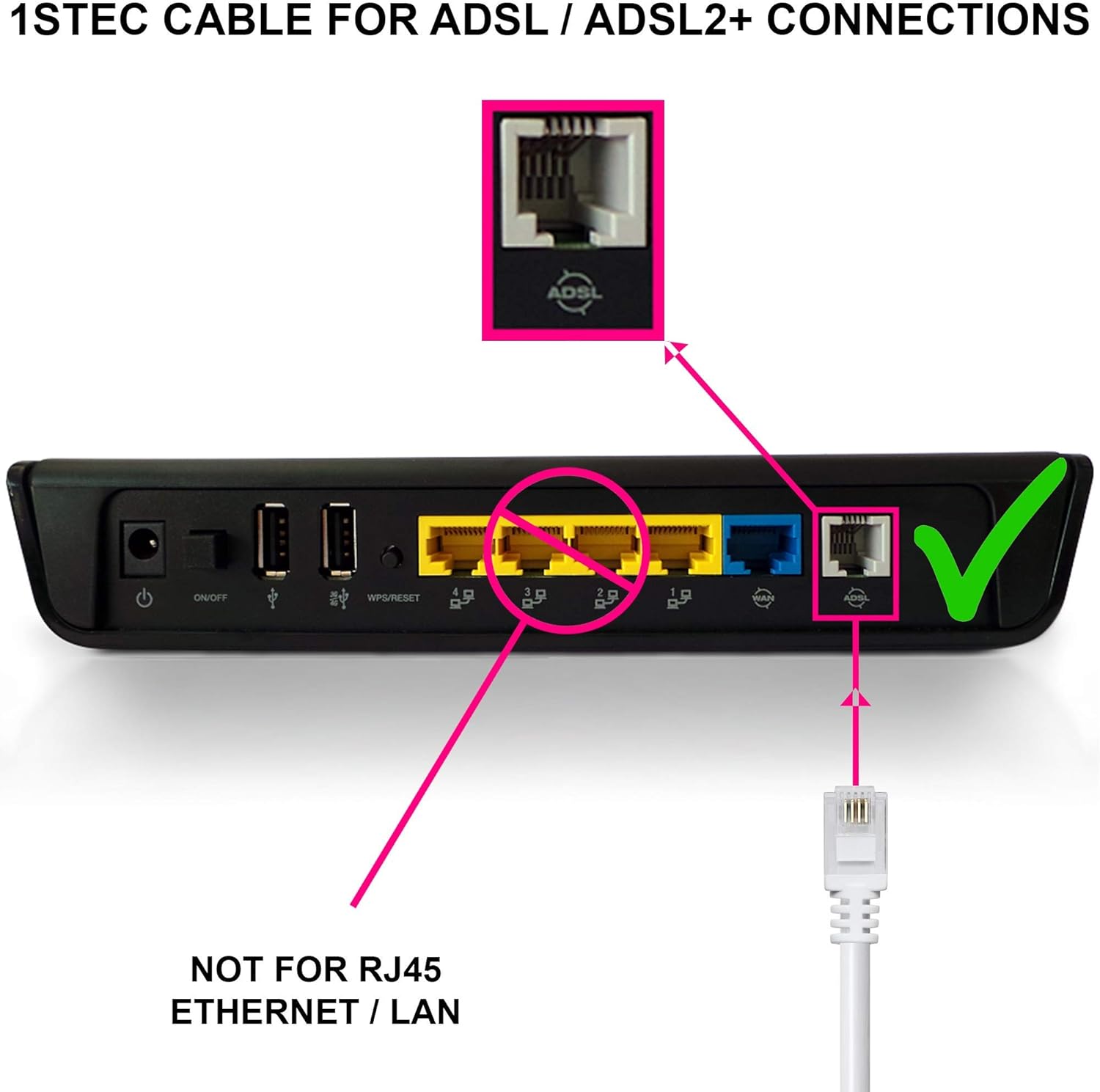
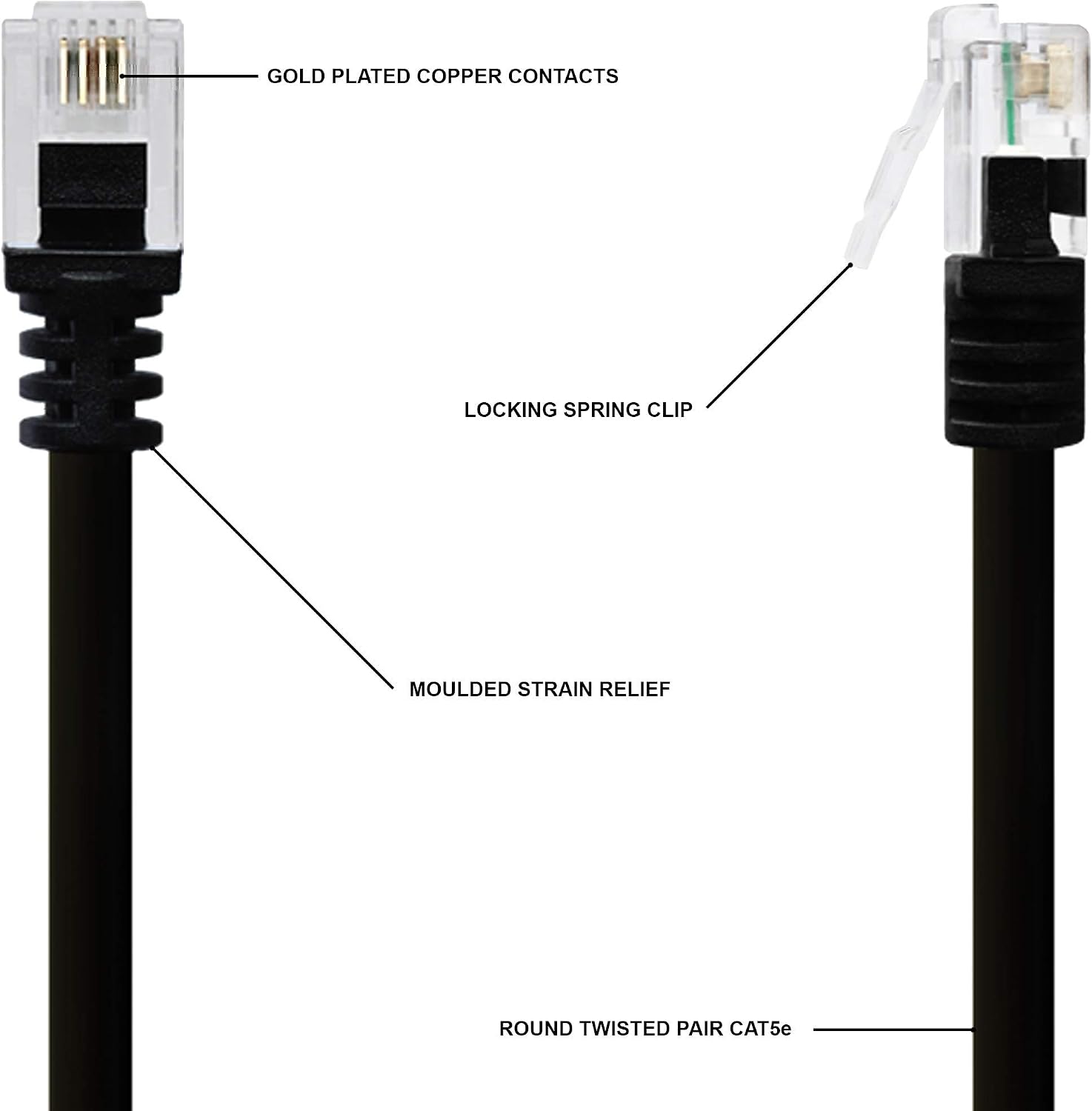
  • MOVE YOUR WIFI ROUTER: Connects your ADSL 2+ Modem to a Microfilter. Can be used with a plug in filter or directly into an Openreach MK2, MK3 MK4 RJ11/RJ45 combination type Phone & DATA Wall Socket. Higher Quality Round Twisted Pair CAT5e cable with Gold Plated pins gives improved connection speeds when compared to the standard, flat, non twisted pair phone cables usually supplied with many routers. We supply FREE Cable clips with any lengths above 5 Metres
  • GOOD POSITIONING IS KEY: Most suppliers are only interested in their service being in your property even if it has to be at your front door wasting half of its useful coverage. Moving your BT Home hub 4 5 or 6 for example, to a more central location in your home will boost the Wi-Fi strength to more locations. Many customers are aware of this but most will use the wrong type of replacement cable resulting in cancelling most of the performance benefits that they could have achieved
  • PRESERVE YOUR CONNECTION: Adding any additional wire to your modem supply will weaken your signal very slightly with the correct cable but drastically with the incorrect type. No cable can increase your speed unless it is replacing an inferior one of similar length. However, relocating your Smart Hub for a stronger broadcast where the unit will actually be used, quickly outweighs the minimal losses of a good quality cable, resulting in much better overall wireless performance
  • NO RJ45 TO RJ11 CABLE NECESSARY: Please note that your BT Openreach Master with VDSL Interstitial faceplate was designed to accept both the bigger RJ45 as well as these smaller RJ11 plugs in the same DATA socket . The wall socket may appear to be too big at first but this cable will definitely click into position once offered up correctly. Many people make the mistake of assuming that they need to find a cable with both an RJ45 and RJ11 connectors but this is simply not true

Out of stock

  • International Express shipping available
  • 30 day easy returns
Guaranteed Safe Checkout

Description

MOVING ADSL OR FIBRE BROADBAND
If you require to move and extend your BT Infinity, Sky, Plusnet, TalkTalk or Post Office Broadband Hub cable then this is what you will need. 
Simply plug this ready made cable into the existing microfilter or Openreach combination wall socket and extend your Modem Router to a new location.

CHOOSING THE CORRECT CABLE TYPE
You should avoid using the unscreened Flat or Oval shaped cables with no Twisted pairs, easily identified by having a line down the outer PVC sheath. 
They all use multi-strand conductors that are known in the industry to drastically affect the performance of modern High Speed broadband routers.

WHICH CABLE PRODUCES BEST RESULTS
Fibre ADSL broadband performs best with BT Solid Core Copper Twisted Pair cable. These should match the cable used to bring the service to your home.
BT Openreach cable is not the same as CAT5, CAT6 etc or RJ45 Ethernet Leads. These have different characteristics and should only be used on a LAN.

WHAT YOUR ROUTER WAS DESIGNED TO USE
We supply genuine BT Openreach cable to avoid bottlenecking and reduce data packet loss. All routers were optimised for this type of cable on the input side.

Additional information

Weight 0.26 kg
brand

1STec

dimensions

20 x 20 x 2 cm; 224 Grams