
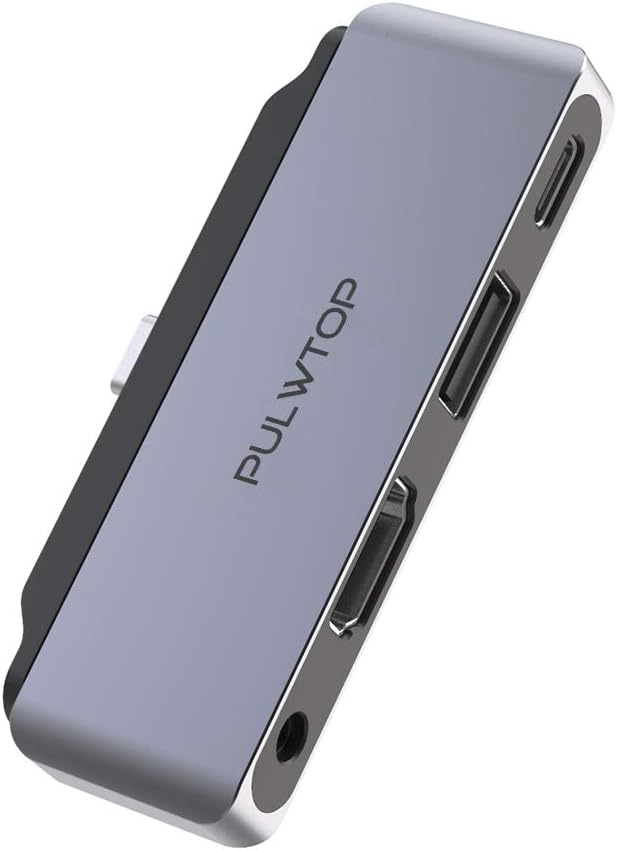
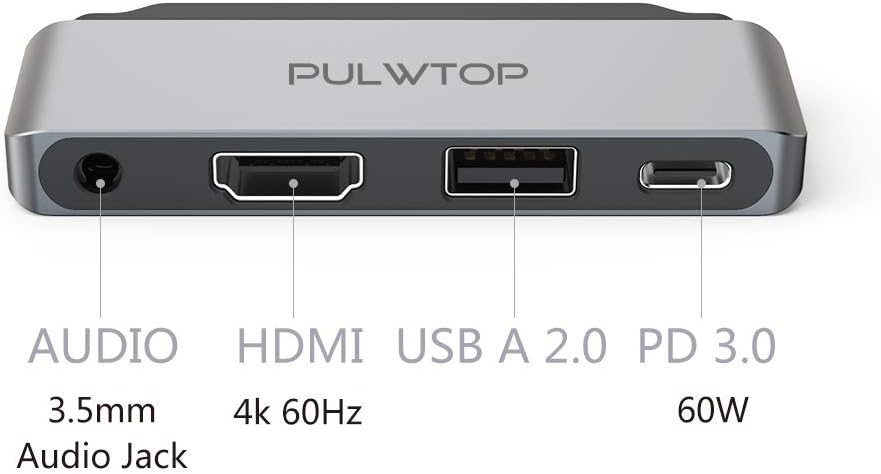
Description
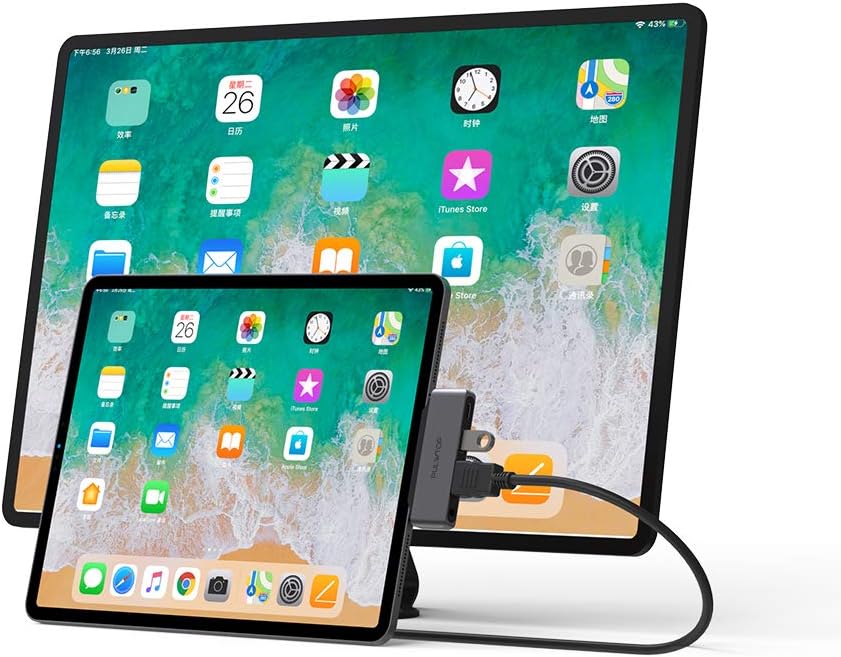
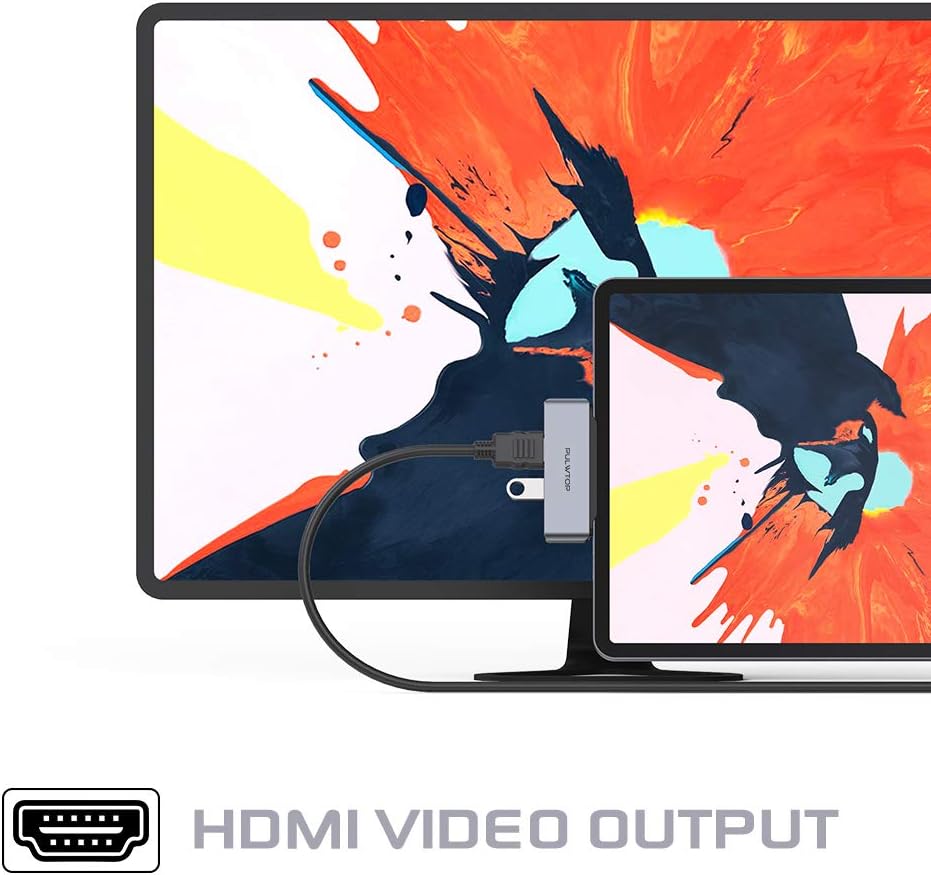
Founded in 2008,PULWTOP has grown to be the famous USB-C Hubs products FACTORY manufacturer in industry. PULWTOP strive to transcend industry standard on details, quality and reliability. PULWTOP established one of the most strictly and reliable testing progress. Warranty: PULWTOP provide immediate, all time and lifetime technique support for products strictly apply to national warranty provisions. Compatibility system Include: Windows 10, iOS 12, Apple OS X Yosemite, Google Chrome OS, Apple OS EI Capitan. We recommend you to update the iPad Pro system to iPadOS 13 Wide Compatibility: Note: DO NOT support the 2017 & earlier iPad models with Lightning Port. iPad Pro 2019/2018 ( 11 inch, 12.9 inch) 2019/ 2018 / 2017 / 2016 MacBook Pro 2019/ 2018 MacBook Air 2017 / 2016/ 2015 MacBook 2018 Mac Mini/ 2017 iMac Samsung Galaxy Note 10 / Note 10 + / S10 / S10 + / S10E / Note 9 / S9 / S9 + / Note 8 / S8 / S8 + HUAWEI Mate30 / Mate30 Pro / P30 / P30 Pro / Mate20 / Mate20 Pro / P20 / P20 Pro / Mate10 / Mate10 Pro / Huawei Matebook. Surface Pro 7 Google Pixel 3 XL / 3 Dell XPS 15 / XPS 13 Additional USB-C laptops / smartphones that support the Display Port Alt ModeSwitch Mac device to Extend Mode “Setting” → “Display” → click the “mirror display” box to switch to Extend mode → then you can drag a window of website/movie to the rightest side of your desktop screen until it disappear on your desktop screen and show up on the external monitor screen. (WARM TIPS: For Mac OS devices use in extend mode, the image on the two external screens will be the SAME.) Connect Extend Mode for Windows OS? Right-click desktop→ select Intel display Settings → pop-up Settings screen select display→ select multi-screen display→ expand the desktop (If the display 3 does not display, please manually select the display→click apply confirm can set OK).