
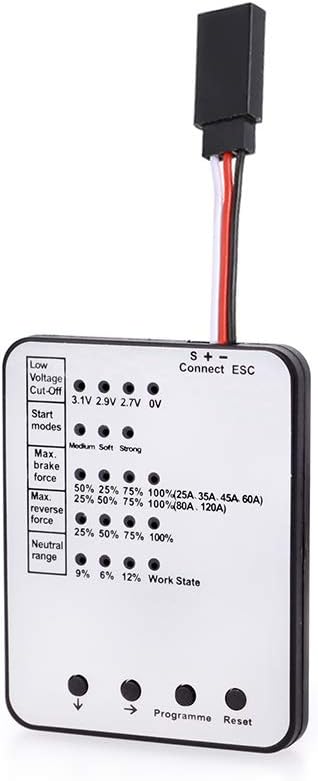
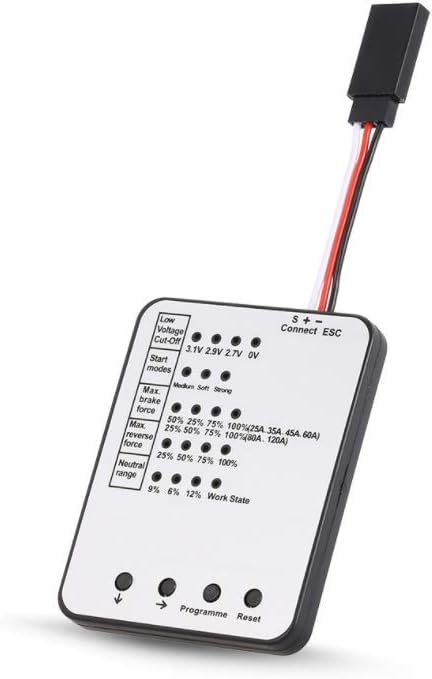
Description
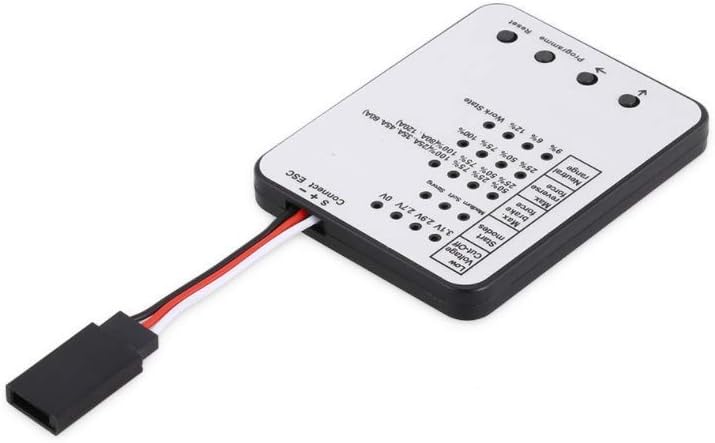
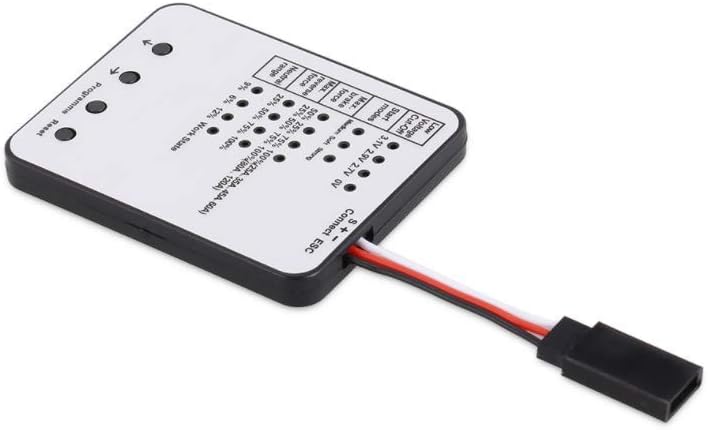
LED Program Card Specifications:Use: Vehicles & Remote Control ToysFor Vehicle Type: CarsRemote Control Peripherals/Devices: LED Program CardOnly Apply to: RacerstarMaterial: Composite MaterialProgramme card Method:1. Connect BEC wires with the programmer then turn on the ESC.(80A、120A press the keys to be not put)2. The Green LED flashes for 2 times then LED off, that is, the connecting programmer with ESC is successful, and the Red LED on presents the current value of that item. Otherwise, the connecting is failed.3. Please press the Key”↓” to select different programs4. Please press the Key”→” to select different value of the current program5. Please press the Key “Program” to confirm above selections, the Green LED on immediately and has gone out within 5 seconds, that is, this process is successful.6. Please press the Key”Reset”to reset the factory settingage includes:1 x LED Program Card