
Description
Printing parameters:
Paper type: matte paper
Print quality: High
Paper Type: Epson Wonder
Paper Print Quality: Standard
High print quality corresponds to the clarity of the print pattern and the colour will be more vivid, but the printing speed and ink consumption is larger; print quality standard corresponds to the clarity of the print pattern and the colour will be duller, but the printing speed will become faster, ink consumption is small
Ironing parameters:
Polyester and other fabric bearer parameters: 180-210 ℃, 35-45 seconds
Cups and other ceramic bearer parameters: oven parameters: 150-180 ℃, 5-8min, cup press parameters: 180-200 ℃, 1-3 minutes
Usage:
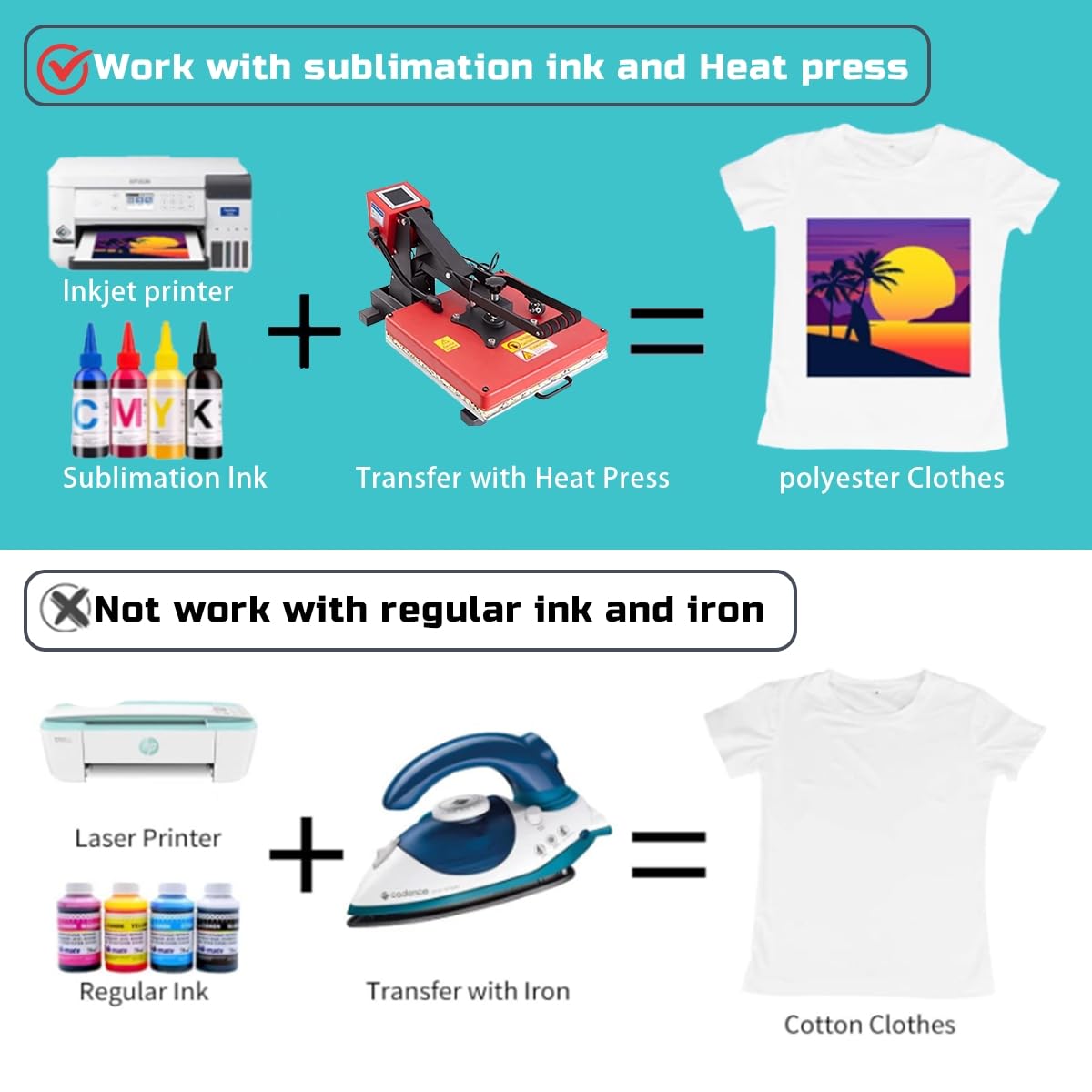
1、Select or design high-definition quality pictures, select the pattern mirror image printing settings
2, through the thermal sublimation printer loaded with thermal sublimation ink, the pattern will be printed out in mirror image
3, the surface of the carrier will be clean and smooth, the sublimation paper pattern printed surface facing the carrier surface
4、Use high temperature tape to fix the sublimation paper on the surface of the carrier.
5、Select the bearer ironing sublimation temperature for sublimation.
6、Remove the tape and sublimation paper on the surface of the carrier after cooling, sublimation is completed.
Precautions:
1, sublimation paper is essentially a special kind of printing paper, so the sublimation paper surface of the clean and neat flat, the printing effect has a clear impact
2, sublimation paper is best to be kept in a sealed plastic environment, to ensure that the paper will not be wet or dry and caused by curling, affecting the product printing