
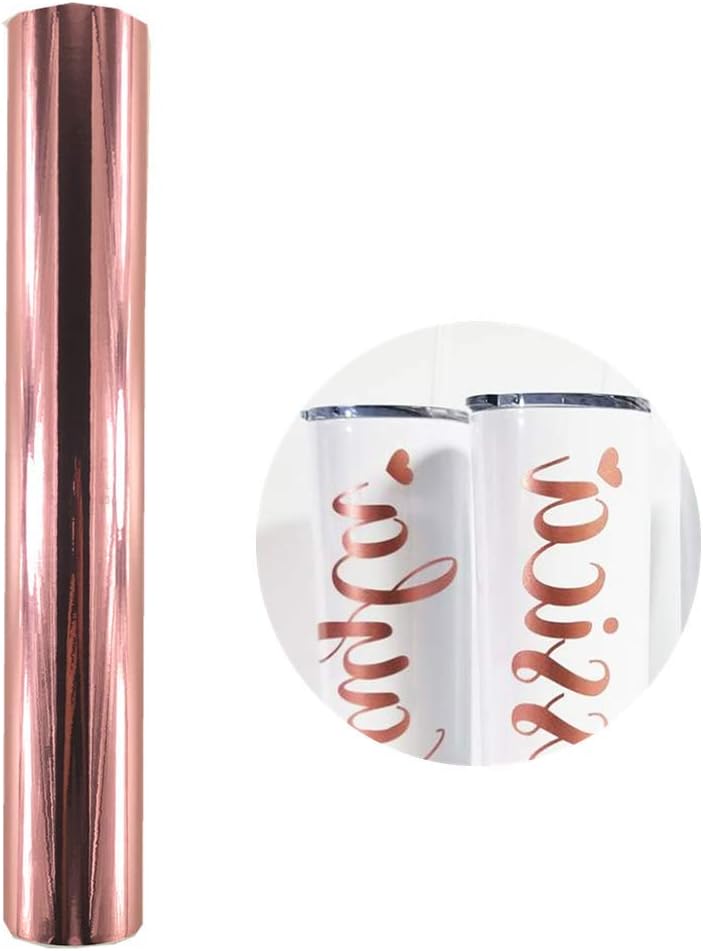


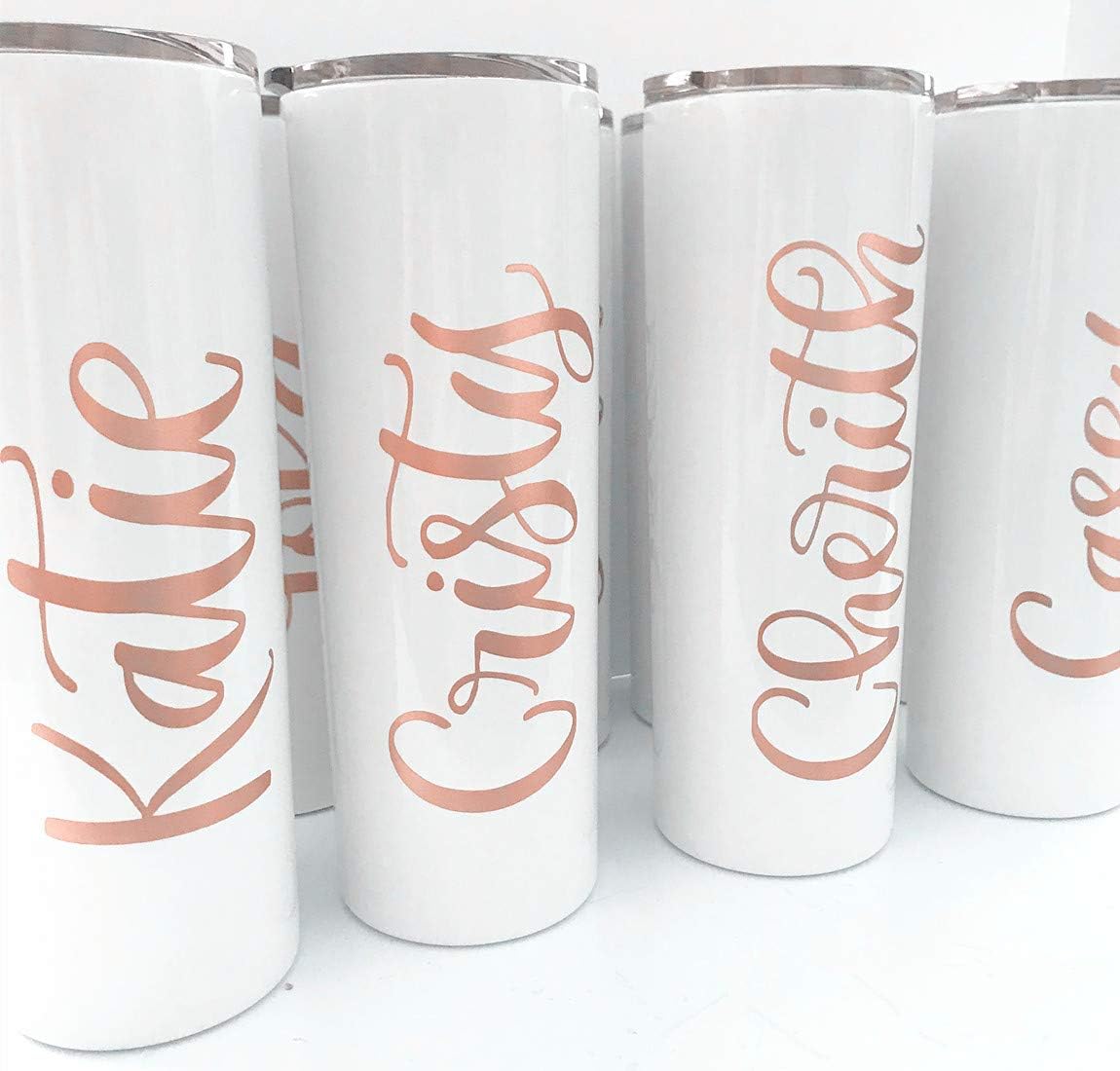
Description
MATERIALS: Permanent Vinyl Silhouette Weeding Tools Transfer Tape Mandala File TOOLS Silhouette Cameo Silhouette Software Designer Edition INSTRUCTION: 1ow the instructions in the video to make your circle monogram in the Silhouette Design Software. 2 a piece of transfer tape that is a little bigger than your design, and then place it over one piece the tape with your finger (or one of the weeding tools) so that it adheres to the vinyl. 3 the transfer tape up and make sure that your design comes up with it. 4 up the boxes that are on the transfer tape and the ones that are on your second piece of the design and press the tape down onto the initials. Then pull it up, all while making sure the vinyl comes up with it! 5, remove the boxes! Since it’s permanent vinyl you don’t want to accidentally stick them onto your mug. Trying to get them off after the fact would be a huge pain. 6 you’l line up your design on the mug and press down. Use your weeding tools and rub the design gently so that it sticks to the mug. NOTES Cut out two small boxes with each of your layers. These boxes help you line up your design when you go to layer it on your mug. A good rule of thumb is to make sure your design is one inch below the top of the mug. I didn’t have to measure because I just used the color as a guide. If you’re mug isn’t colored though, you’ll want to measure! When you wash your mug hand wash it only. Putting it in the dishwasher will pull the vinyl up. And since this design is so intricate (it took me at least half an hour to weed it) you won’t want to have to re-do it!