

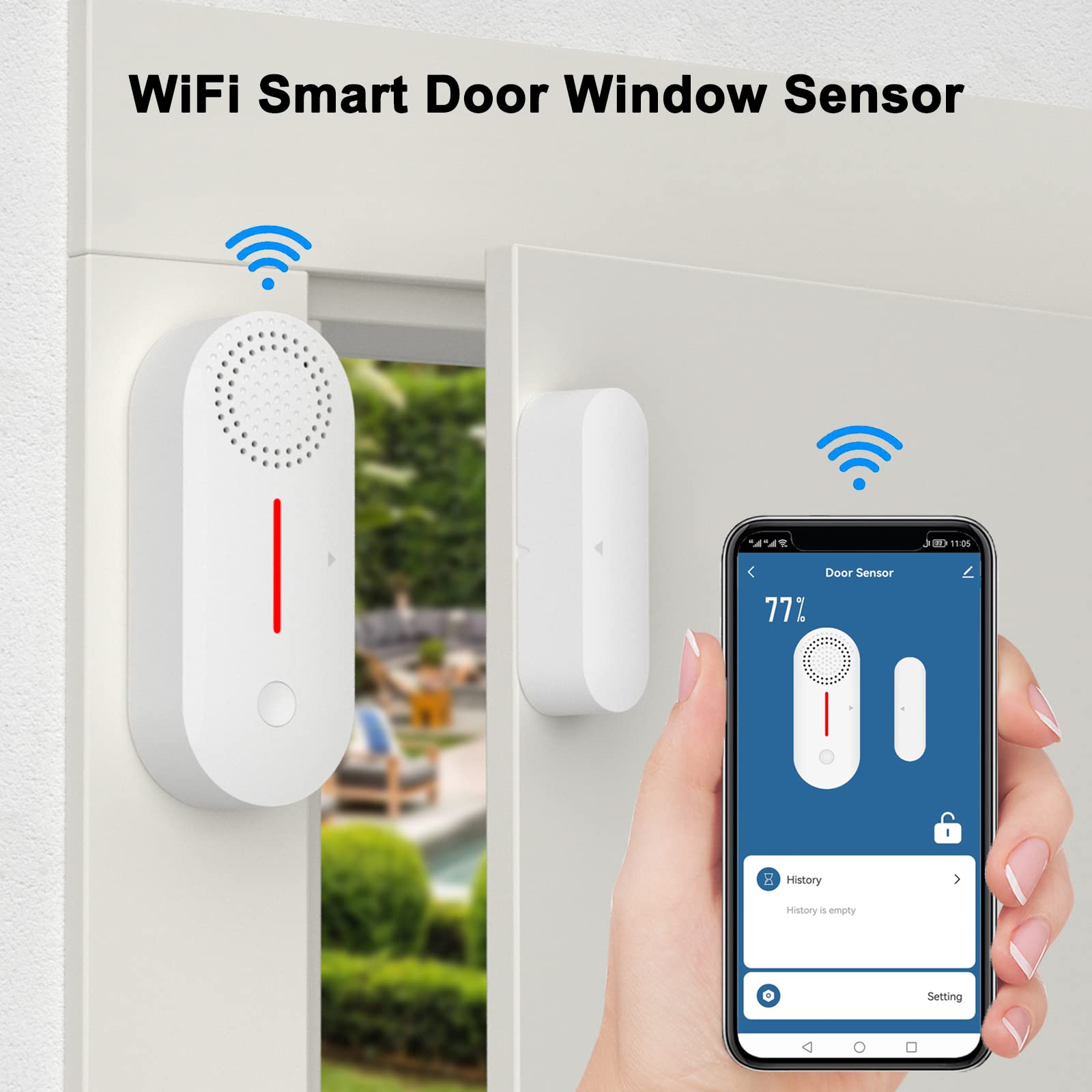


Description
Product information:
Product Name: WiFi Door Window Sensor with Alarm
Battery: 2 x AAA batteries (not included).
Alarm volume: 0% -100%, max 80 dB.
Working temperature: -10°C ~ 50°C.
Working humidity: MAX. 95% relative humidity.
How do I connect Wi-Fi?
It is strongly recommended to read here before connecting to a Wi-Fi router. Before connecting to the WiFi router, please check the following points.
1. Please make sure your WiFi works in 2.4G mode, if your WiFi supports 2.4G and 5G double band, please disable 5G WiFi first, the door sensor only identifies 2.4G WiFi. After the door sensor has already connected to the Wi-Fi router, you can activate 5G WiFi for your router. The door sensor will stay connected to 2.4G WiFi all the time.
2. Please make sure your WiFi router does not block the MAC address of the device.
3. Please make sure the WiFi signal is strong. Advice Put the door sensor and your phone less than 2 metres away from the Wi-Fi router while connecting the device to the wireless router.
How to add the sensor:
1. Download the Smartlife app or Tuya app.
2. Log in to the app and press “+” in the upper right corner to add a sensor. No hub is required.
3. Turn on the Bluetooth, which is easier to add to the app.
4. Make sure the surface of doors and windows is smooth and clean.
5. The installation distance should not exceed 0.7 inches.
7. These two parts must be aligned by their alignment notch.