

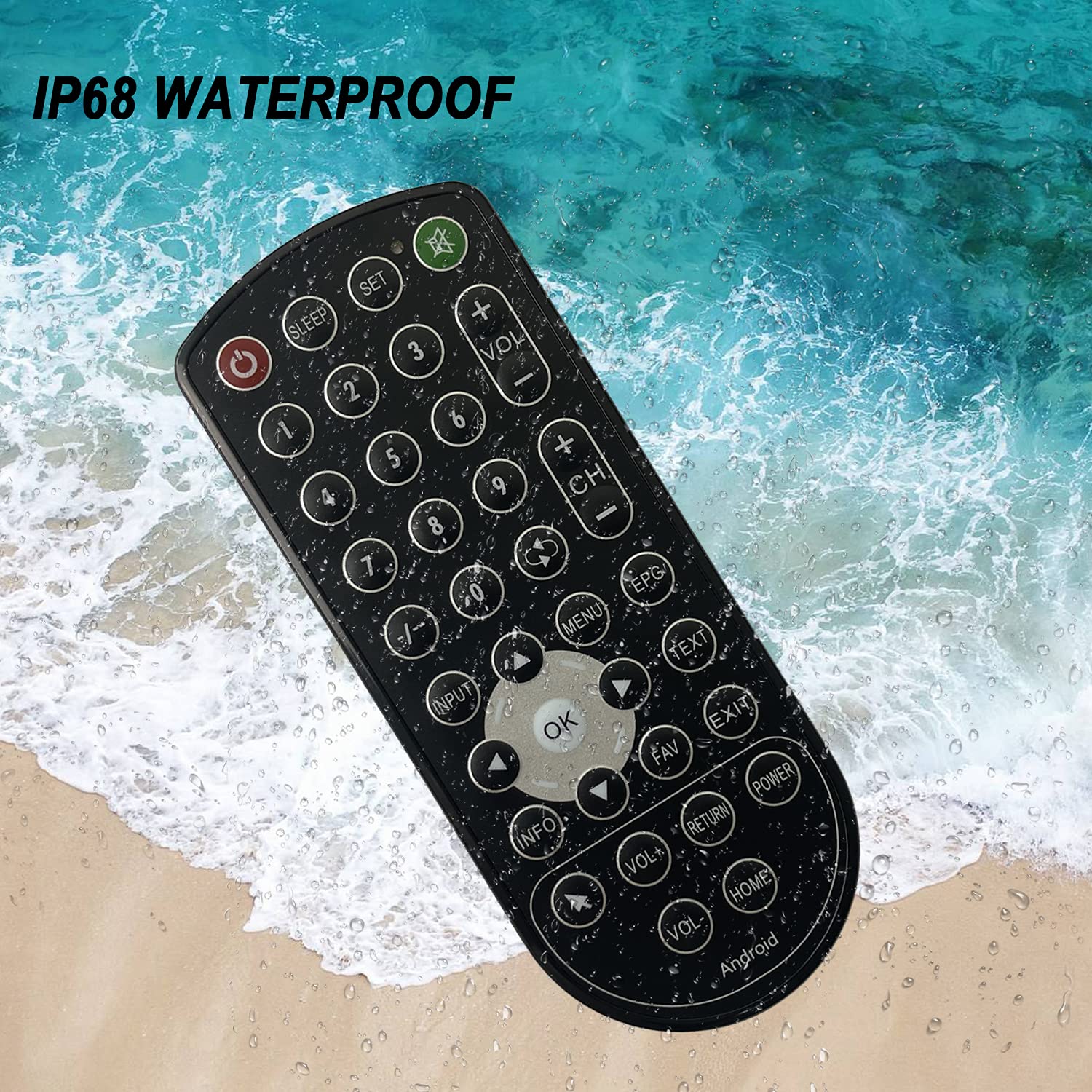


How to Use The Universal Remote Control:
Step 1: Press and hold the “SET” key on R1 until the indicator light becomes
brighten. The indicator light will always on, and then release it.
Step 2: Press the key(eg. “1”) which is written in R1 on R1 remote, the indicator light will flash slowly.
Step 3: Place R1 remote & the original remote head to head within 1 inch.
Step 4: Press the corresponding key(eg. “1”) on the original remote, the light on R1 will flash quickly and back to brighten steady state.
Step 5: Press the “SET” key, the indicator light will turn off, that means the key is recorded successfully.
What you should know:
1.The Haocrown R1 can ONLY learn from IR original remote.
(Please make sure that your original remote is an IR remote control before place an order.)
2.Needs 1 Pcs CR2025 Battery (the Battery is not included)
Date First Available:- 17 Oct. 2023
Manufacturer:- Haocrown
Item model number:- HG39KEY
Country of origin:- China
Guaranteed software updates until:- unknown
Brand:- Haocrown
Resolution:- 1080p
Special feature:- Universal
Included components:- IP68 Waterproof Remote Control
Connectivity technology:- Infrared
Aspect ratio:- 16:9
Model name:- HG39KEY
Recommended uses for product:- Bathroom TV
Colour:- Black
Mounting type:- Wall Mount


